












 From 150₾ Free Shipping
 Categories
 Sale

 profile
High-Quality Printing Paper for Business: How to Choose and Why It Matters


High-Quality Printing Paper for Business: How to Choose and Why It Matters
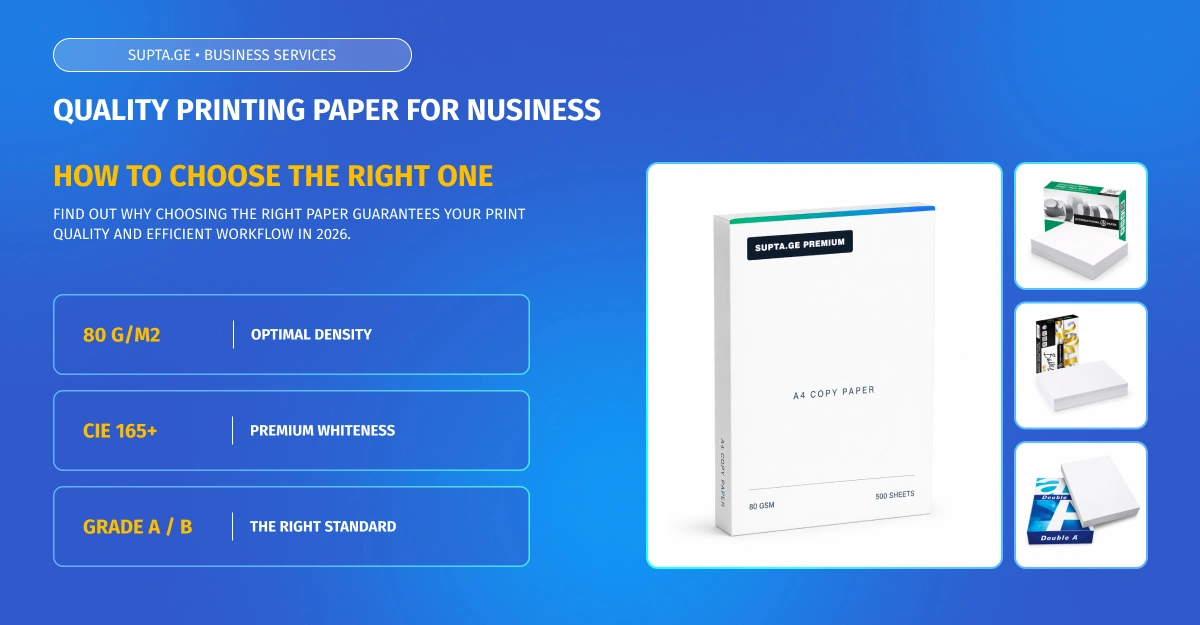
Did you know that paper quality can affect printer performance? Low-quality, excessively dusty, damp, damaged, or incompatible paper can contribute to feeding problems, paper jams, and reduced print quality. Choosing suitable printing paper helps support a more reliable workflow while also giving important business documents a more professional appearance.
We know how important workflow continuity and stable supply are to your operations. In this guide, you will learn how to evaluate printing paper and choose the right option for your office. We will look at key parameters such as grammage, whiteness, opacity, surface quality, and moisture content to help you manage office resources more efficiently.
Why High-Quality Printing Paper Matters for Business
Effective business management involves using resources in a way that creates long-term value. When selecting office consumables, procurement managers may be tempted to focus only on the lowest price. With printing paper, however, compatibility with the printer, surface quality, moisture content, and other technical characteristics also matter.
Properly selected paper can reduce the risk of avoidable printing interruptions and support consistent document quality. When employees frequently need to clear jams or reprint documents, the business loses both materials and working time.
How Paper Quality Affects Printer Performance
Printer mechanisms are sensitive to both paper condition and environmental factors. Excessive paper dust can accumulate inside a printer and contribute to feeding or print-quality problems. Damp, curled, damaged, excessively rough, or unsupported media can also lead to unreliable operation.
Paper consistency is also important. Properly cut, smooth, stable sheets move through the paper path more predictably and help support consistent toner transfer and clear printing.
Key Quality Parameters: How to Choose Printing Paper
Despite the wide range of products available, choosing the right paper should not depend on brand recognition alone. Printing and copy paper can be compared using several practical and technical characteristics.
One of the main parameters is grammage. 80 g/m² is widely used for everyday office printing and several A4 products in the Supta.ge assortment use this weight. However, you should always check the range of paper weights supported by your specific printer model.
Opacity is particularly important for double-sided printing. If text from the reverse side is too visible, readability may suffer. Surface smoothness also matters, so when choosing A4 copy paper, compare the technical specifications of the available products according to the type of printing you need.
Whiteness and Brightness: What's the Difference?
Whiteness and brightness are not the same measurement. CIE whiteness describes the perceived whiteness of paper under defined lighting conditions. ISO 11475 specifies a method for determining CIE whiteness under D65 daylight illumination.
Higher whiteness may be useful for high-contrast text, graphics, and client-facing documents, but it should be evaluated together with the paper's other specifications and the intended use.
Paper Moisture and Its Impact on Printing
If sheets curl after printing or tend to stick together, moisture imbalance may be one of the contributing factors. Technical guidance for office and laser printing paper commonly references moisture levels of approximately 4–6%, depending on the paper and manufacturer.
Excessive moisture can contribute to curl, feeding problems, and reduced print quality, while overly dry conditions can increase static electricity. Keeping paper in its original packaging and in a stable environment helps protect it from rapid moisture changes.
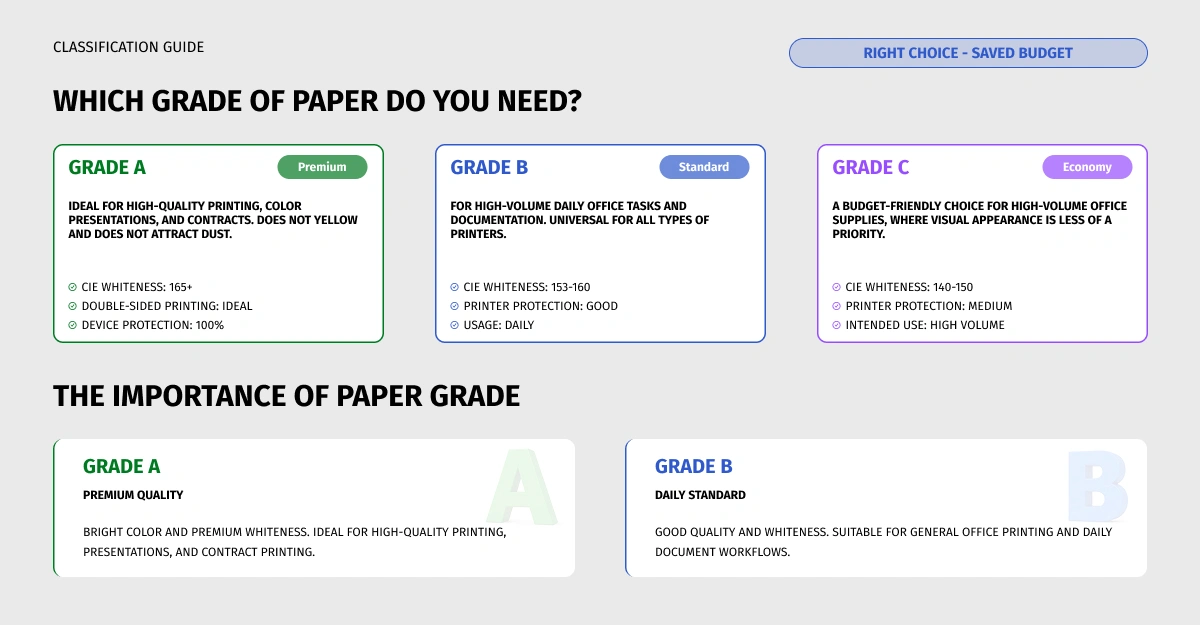
Paper Classification: What Do Class A, B, and C Mean?
Class A, B, and C labels are commonly used in parts of the copy-paper market to describe premium, mid-range, and economy products, but they do not represent a universal ISO classification. Technical specifications can vary between manufacturers, so always compare grammage, whiteness, opacity, surface quality, and printer compatibility rather than relying on the letter alone.
- Premium paper generally offers higher whiteness, smoothness, and characteristics suited to professional or client-facing printing.
- Mid-range paper is commonly used for everyday office workflows where a balance between price and print quality is important.
- Economy paper may be suitable for high-volume internal documents when its specifications are compatible with the printer being used.
When Is Premium Paper Worth Using?
Premium paper can be especially useful for client-facing documents, contracts, official correspondence, color graphics, and other materials where presentation matters. For high-volume or high-speed printers, the most important requirement is that the paper meets the media specifications stated by the printer manufacturer.
Balancing Price and Quality in Daily Operations
A practical business strategy is to choose paper according to its intended use. Standard office paper may be suitable for invoices, internal documents, and drafts, while premium options can be reserved for client-facing or presentation materials.
The goal is not automatically to choose the cheapest or most expensive option, but to select a product that matches the printer, printing volume, and purpose of the document.
Storage and Usage Rules for Better Results
Even good-quality paper may perform poorly if storage and handling guidelines are ignored. Paper reacts to changes in temperature and humidity, which makes proper storage especially important.
If paper has been stored in an environment with significantly different temperature or humidity conditions, allow it time to acclimatize before use. Some printer manufacturers recommend keeping the paper in its original packaging in the printing environment for 24–48 hours when conditions differ substantially.
How to Reduce the Risk of Paper Jams
Paper jams can have several causes, including paper condition, humidity, incorrect loading, an overfilled tray, debris, or a mechanical issue. Always start by following the guidance for your specific printer model.
- Never load paper above the tray's maximum fill indicator.
- Adjust the side guides so the stack sits correctly without being pinched.
- Do not mix different paper sizes or media types in the same tray.
- Use paper weights and media types supported by your printer.
- If the printer manufacturer recommends fanning the stack or loading a specific printable side first, follow the device instructions.
Ideal Office Storage Conditions
- Keep paper off the floor. Store cartons on a shelf or pallet to reduce exposure to changing moisture and temperature conditions.
- Store packs flat. This helps reduce the risk of curled or deformed edges.
- Keep the packaging closed until use. The original wrapper helps protect the paper from moisture and dryness.
To support a reliable workflow and select paper that matches your office equipment, explore A4 and A3 copy paper on Supta.ge.
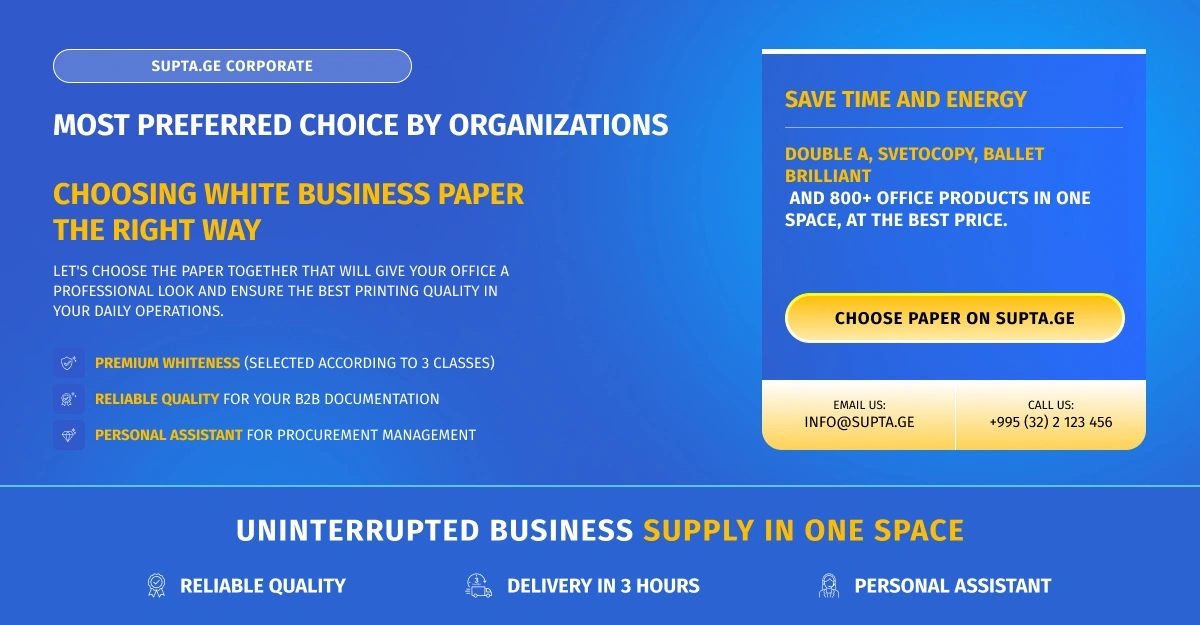
Supta.ge - Your Reliable Partner for Business Supplies
Smooth business operations depend on the details. Supta.ge is more than an online store. It is a technology-driven business supply platform that helps companies find products and manage everyday purchasing in one place.
The copy-paper category includes brands such as Double A, Sveto Copy, and Ballet, allowing businesses to compare different options and choose products that fit their office requirements.
Why Businesses Choose Supta.ge
JSC AID Group began its distribution operations in 2016, and the Supta.ge online platform was launched in 2018. Today, the platform offers 800+ products across 9 main categories. These include A4 and A3 copy paper, liquid soap, stationery products, and medical products.
Corporate customers can also use a dedicated procurement assistant service for product sourcing and faster communication around specific supply requirements.
Support the Uninterrupted Operation of Your Business
Rational management of office resources is an important part of operational efficiency. Choosing suitable printing paper supports reliable printer performance, reduces the risk of avoidable interruptions, and helps maintain a professional standard across printed documents.
Choose printing paper on Supta.ge and plan your office supply more efficiently.
Fairy for Businesses: How to Choose an Effective Dishwashing Detergent in 2026

How to Choose Kitchen Hygiene Accessories for Your Business?
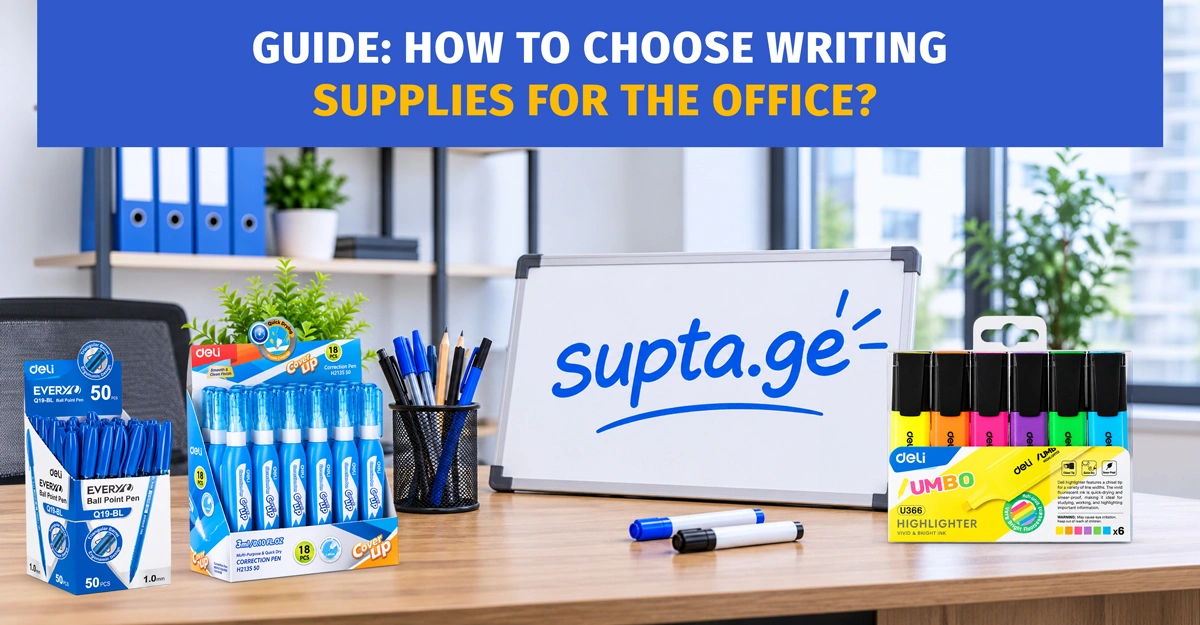
How to Choose Writing Supplies for the Office?
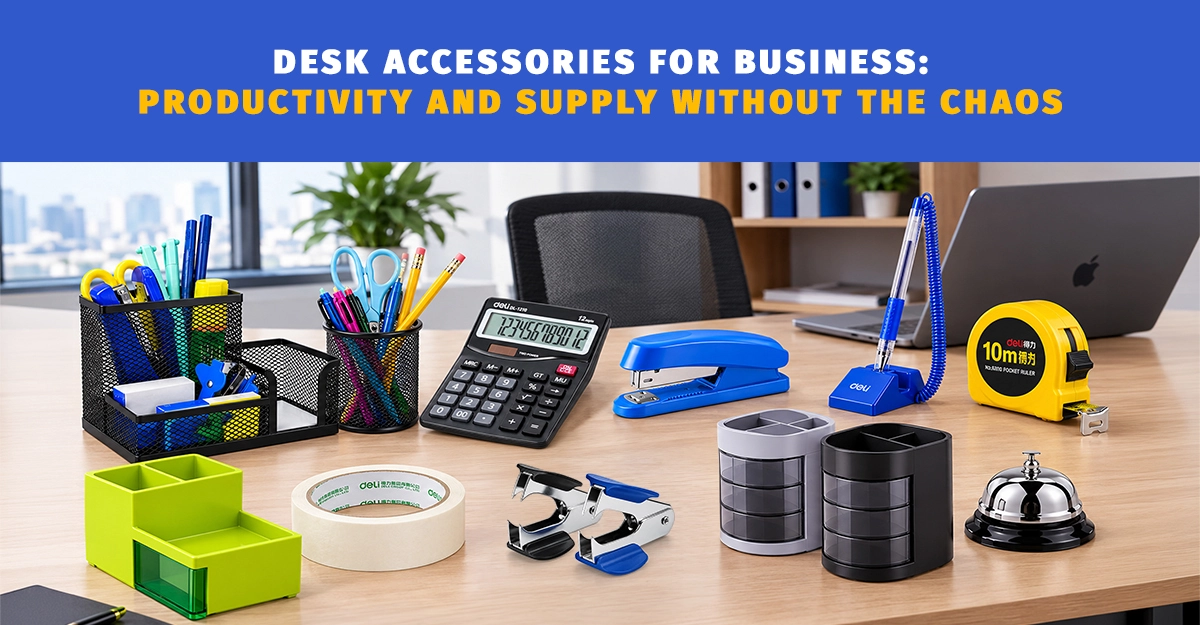
Desk Accessories for Business: Productivity and Supply Without the Chaos
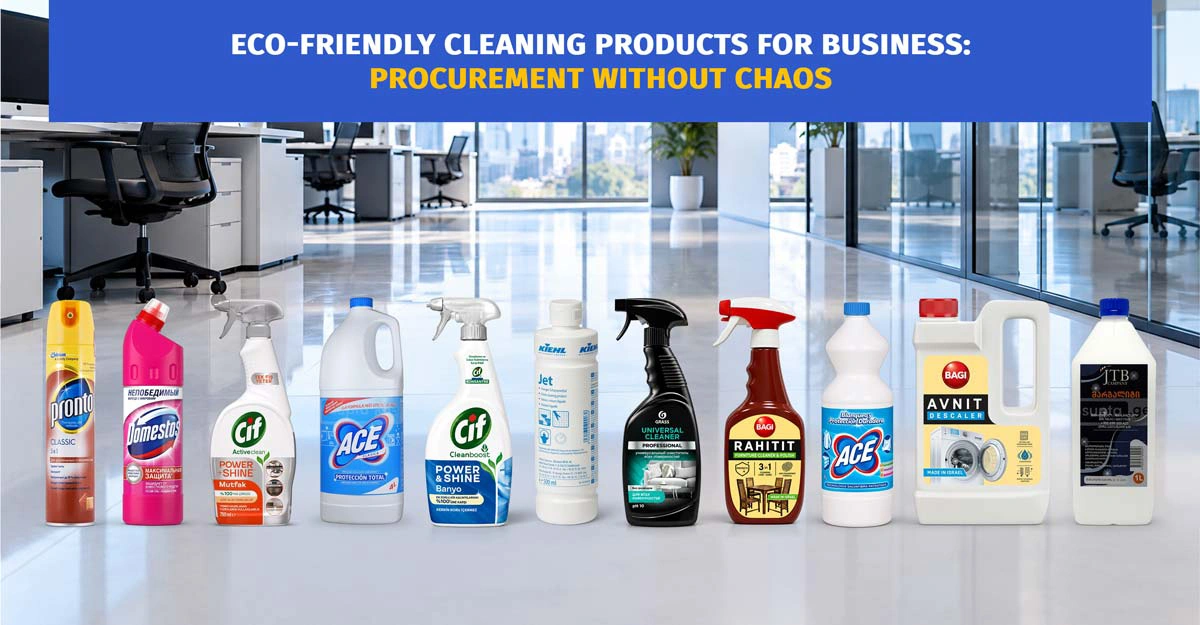
Eco-Friendly Cleaning Products

How to Choose Floor Cleaning Liquids?

Disposable Containers for Businesses: How to Choose the Right Ones in 2026
See all